PSA: Do not download any Zoom/Teams/Google Meet/ Updates from any Telegram Calendly invites! You will be hacked.
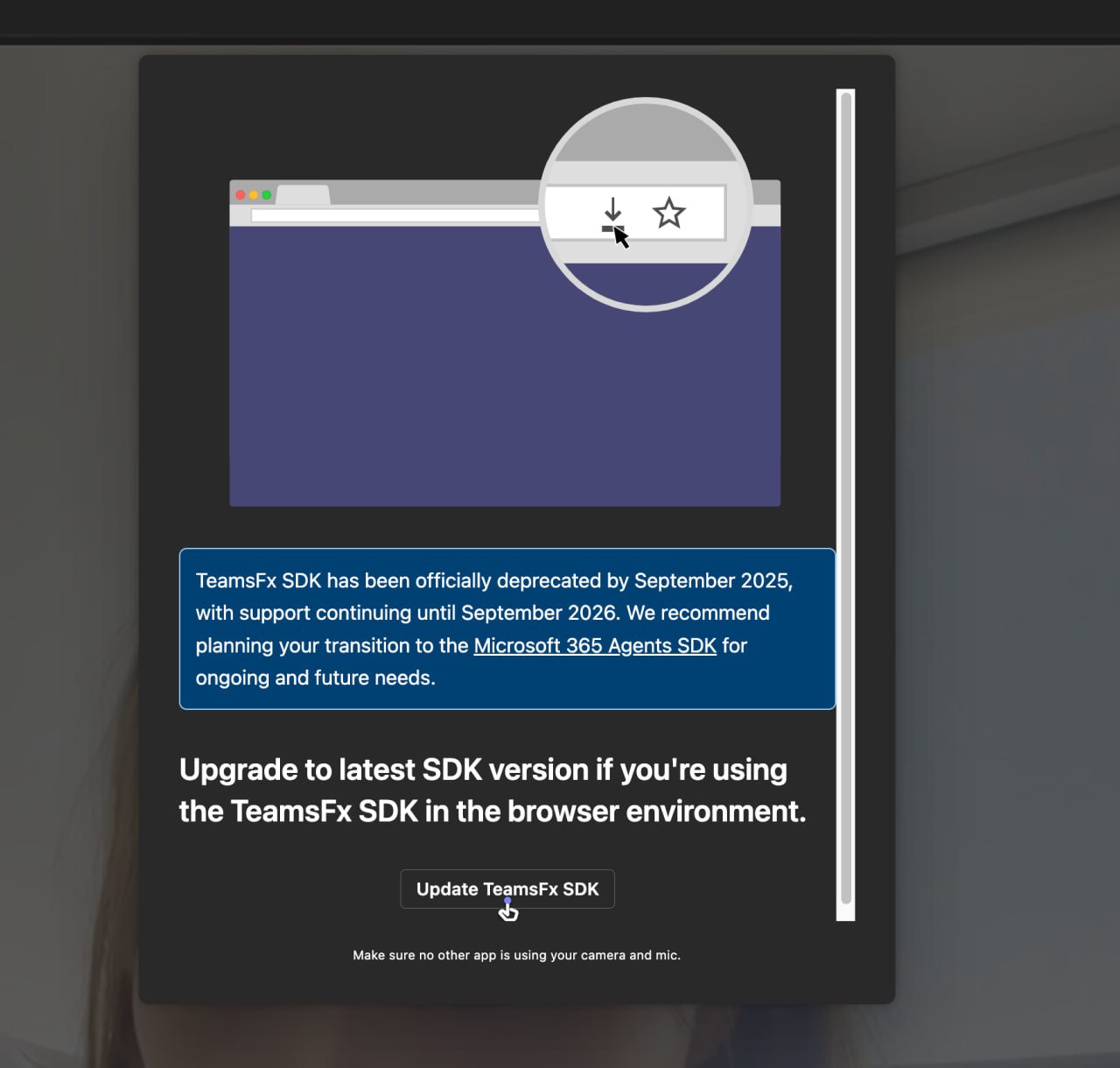
𝕏/@paloma_chain •
Revision history
9 recorded changes
Want your article here?
Promote with Leviathan News9 recorded changes
Want your article here?
Promote with Leviathan NewsSecurity researchers and crypto security teams are warning about a wave of phishing and malware campaigns where attackers send Calendly-based meeting invites over Telegram that ultimately push fake Zoom/Teams/Google Meet “updates” or extensions to compromise targets’ devices and steal assets. The PSA from Paloma Chain reflects this broader pattern of attacks, which has been repeatedly observed against Web3 and crypto professionals. In the commonly reported flow, a contact approaches the victim via Telegram, often impersonating an investor, partner, or recruiter, and sends a Calendly link to book what looks like a normal Google Meet or similar call. When the victim clicks through, the Calendly or Google Meet link is silently redirected to a fake Zoom or meeting page under attacker control. During or just before the call, the attacker claims there is a microphone, audio, or client problem and instructs the victim to either install a Zoom/Teams/Meet extension, download an “update,” or run a command/script on their computer. That “fix” is in fact malware—researchers have documented weaponized Zoom extensions, malicious AppleScript payloads (e.g., zoomsdksupport.scpt), and fake Zoom update installers that deploy surveillance or remote‑access software and allow the attackers to take over the machine, capture credentials, and ultimately target crypto wallets and cloud accounts. These campaigns are significant because they exploit trusted productivity tools (Calendly, Zoom, Google Meet, Teams) and familiar workflows that remote workers use daily, making the social engineering highly convincing, especially in crypto and Web3 where Telegram and cold outreach are common. Security advisories emphasize that major video platforms do not require ad‑hoc updates from random meeting pages and that users should never install software, browser extensions, or run shell/Terminal commands at the request of someone on a call. Recommended defenses include verifying meeting organizers via separate channels, avoiding professional invites delivered via informal messaging apps, joining meetings only through official apps or manually typed URLs, monitoring for unusual browser extensions or processes, and, if a suspicious update was installed, disconnecting the device, treating it as compromised, and rotating credentials from a clean machine.
AI-generated background, compiled from web sources — not editorial content.
Loading related coverage…
Loading comments…
🚀 Love DeFi? Ready to dive in and start earning $SQUID while making an impact?
Maven
These are basic tips to avoid being hacked but guess what, most of us still ignore. Thank you
Maven
These are basic tips to avoid being hacked but guess what, most of us still ignore. Thank you
Danicjade
Wow, thanks for this update mate

The Block ·

Jumpsec ·

𝕏/@officer_secret ·

world.org ·

Cryptonews ·
The Block ·
Jumpsec ·
𝕏/@officer_secret ·
world.org ·
Cryptonews ·